New Features
File Pool
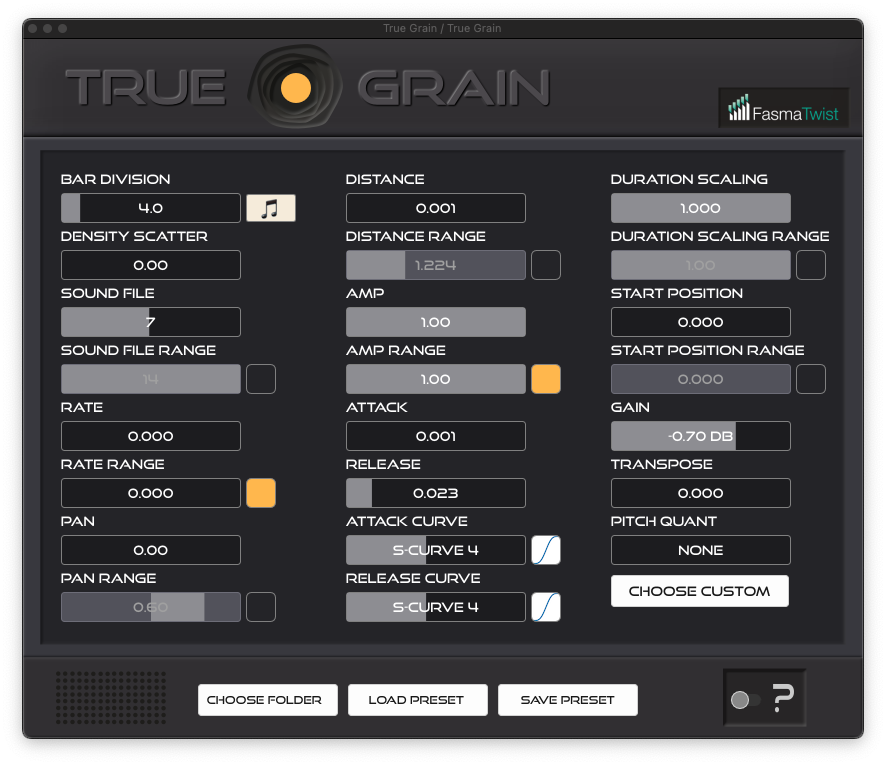
Sound files are now managed from a dedicated File Pool window, replacing the Choose Folder workflow. Add individual files or whole folders from anywhere on disk, switch entries off without removing them, and reorder them by dragging. Pools can be saved and loaded as .tgpool files, and missing files can be relocated one at a time or by pointing at a folder. Projects saved with earlier versions carry their sample folder into the pool automatically.
Preset Bar
Presets have their own bar: previous and next arrows, a dropdown with Init Patch and Load From File, Save, and a menu with Save As and Revert Save. Save keeps a backup of the previous version, and Revert Save swaps between the two. The current preset is remembered across plugin reloads and project restores.
Multichannel Output (VST3/CLAP only)
Every channel count from 1 to 32 is now supported, plus 40, 48, 56 and 64. Grains are panned across the speaker array with equal-power interpolation between neighbouring channels. Stereo is unchanged.
Local Crash Logging
Crashes are now written to crash.log in the True Grain configuration folder. Attach it if you need to contact support. This replaces the previous online crash reporting; nothing leaves your machine.
Improvements
Preset files no longer store their own location, so they can be moved and shared, and overwriting a preset keeps its metadata. Each plugin instance uses less memory.
Bug Fixes
Various fixes across sample loading, envelopes, MIDI note handling, host automation and undo, pitch quantization, licensing and the editor.
Note: the Distance filter’s cutoff no longer drifts with the project sample rate. Patches saved at 48 or 96 kHz will sound slightly darker than in 1.2.2, matching the way they have always rendered at 44.1 kHz.